
Resume Maker

Free Resume Maker

Build a resume recruiters and applicant tracking systems can both read. Pick one of 12 templates, fill in guided steps, watch the A4 preview update as you type, and download a free PDF.

  • Free PDF download
  • No watermark
  • No sign-up
  • ATS-friendly
  • Nothing uploaded

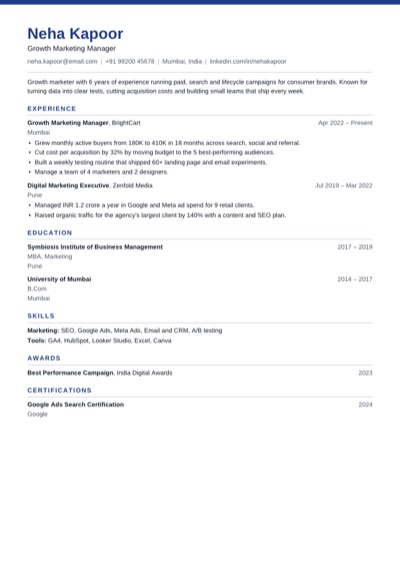
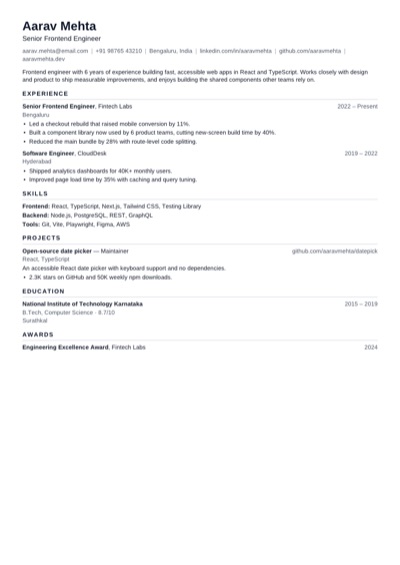
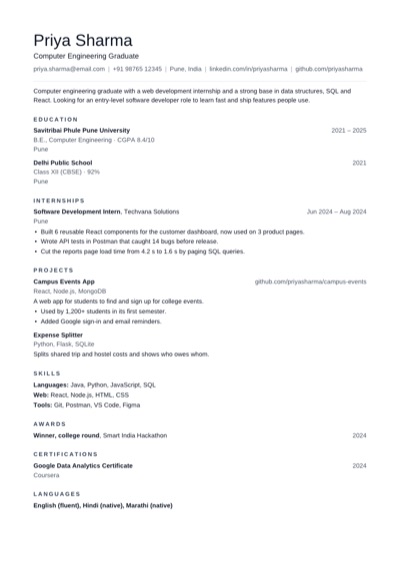
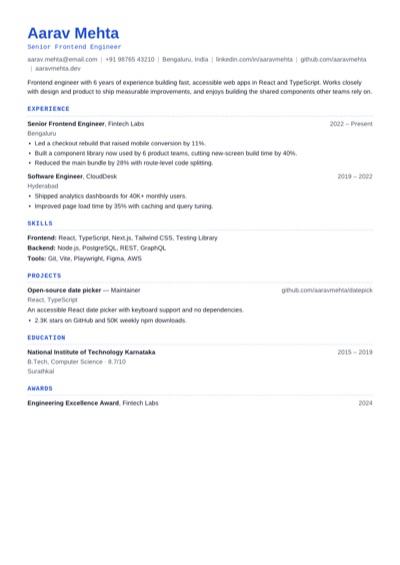
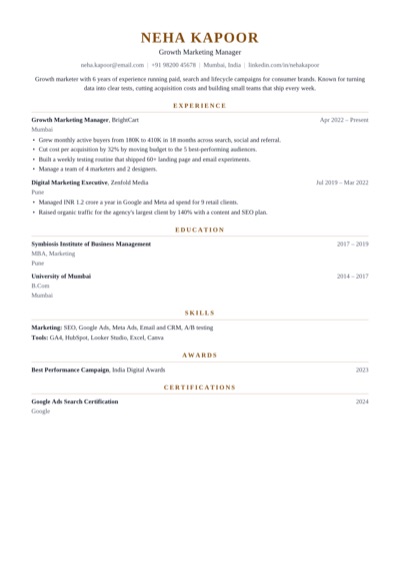
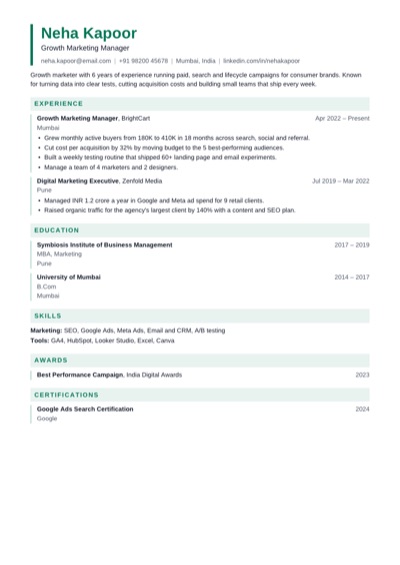
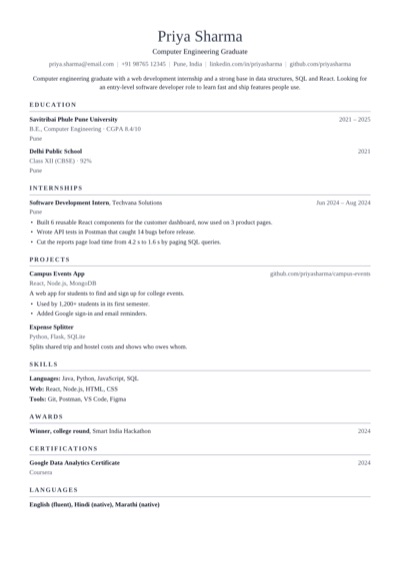
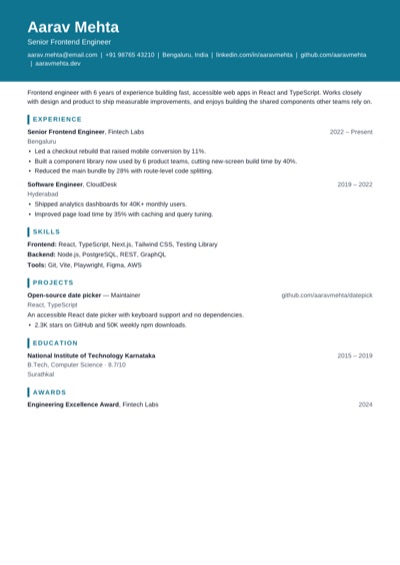
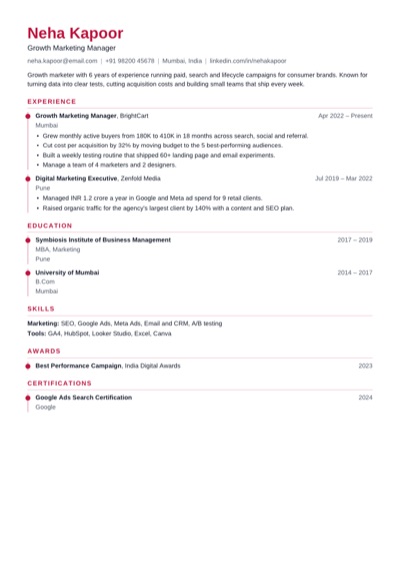
Template: Modern · swipe for all 12

Start your resume

Saved in your browser as you type. No account needed.

Templates

Every template is free and single-column, so applicant tracking systems read it. Pick one to start - you can switch at any time without retyping.

How it works

How to make a resume in 3 steps

  1. 1

    Pick a template. You can change the template, colour, font and text size any time without retyping anything.

  2. 2

    Fill in your details step by step: profile, experience, education, skills, projects and any extra sections.

  3. 3

    Run the checks, then download your resume as a PDF, print it, or save a backup to edit later.

Why use it

Why make your resume here

No account, no watermark and no paywall at the download step. Your resume is saved in this browser only and is never uploaded.

  • Free from start to finish: every template, the PDF download, no watermark and no trial that ends at checkout.

  • ATS-friendly by design: one column of real text and standard headings, which is what applicant tracking systems read best.

  • A live A4 preview with real page breaks, so what you see is exactly what you download - plus a one-click fit on one page.

  • Private: no sign-up, and your resume is saved in your browser, not on a server. Save a backup file to edit it on another device.

  • Checks before you download: missing contact details, weak bullet points, missing dates, first person, and length.

  • The PDF has real, selectable text and clickable links, and is usually under 50 KB, well inside job portal upload limits.

Resume guide

How to write a resume that gets interviews

What to put on a resume

Recruiters spend seconds on a first look, so put the most useful information first and keep headings standard.

  • Contact details: name, phone, email, city, and a LinkedIn or portfolio link.
  • A 2–4 line summary: who you are, your strongest skills, and the job you want.
  • Experience, most recent first, with 2–5 achievement bullet points per job.
  • Education: degree, school, years, and a grade if it helps.
  • Skills grouped by type, using the same words as the job posting.
  • Extras that help for this job: projects, certifications, awards, languages, volunteering.

Leave out a photo, date of birth, marital status, a full home address and references, unless the employer asks for them.

How to write resume bullet points

Use the formula action verb + what you did + the result, with a number wherever you can. Numbers make an achievement concrete and easy to compare.

BeforeResponsible for social media.

AfterGrew Instagram followers from 4K to 19K in 8 months with a weekly reels plan.

BeforeWorked on the billing system.

AfterRebuilt invoice generation in Node.js, cutting billing errors by 70%.

BeforeHandled customer queries.

AfterResolved 60+ customer tickets a day with a 96% satisfaction score.

Strong verbs to start with

LedBuiltLaunchedCutGrewImprovedDesignedAutomatedNegotiatedTrainedResolvedAnalysed

How to write a resume summary

Two to four lines at the top that answer: who are you, what are you good at, and what do you want next? Skip “hard-working team player” and name real skills instead.

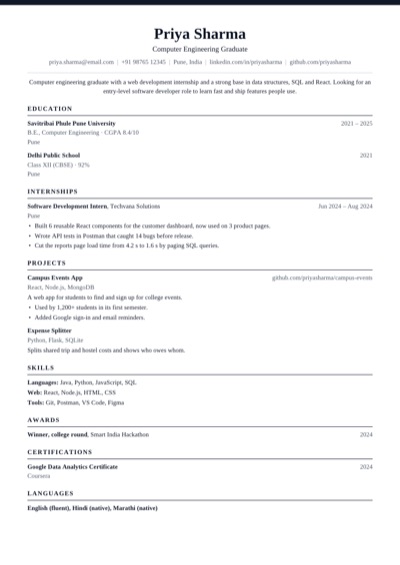
FresherComputer engineering graduate with a web development internship and a strong base in React and SQL. Looking for an entry-level developer role.

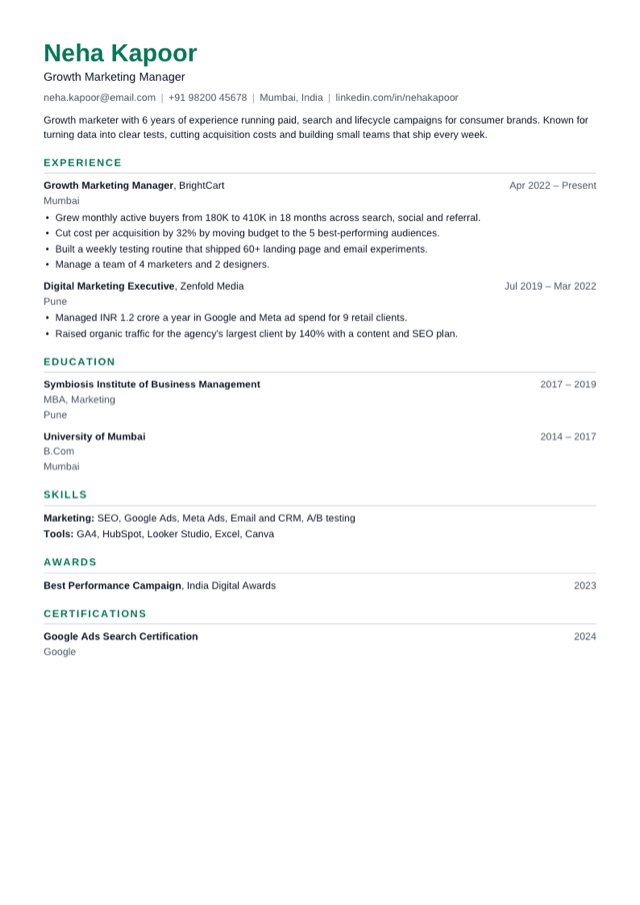
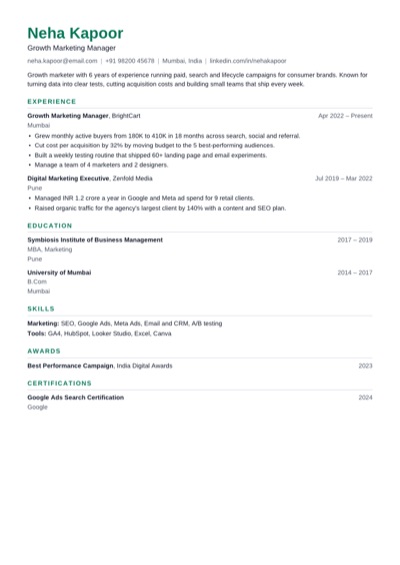
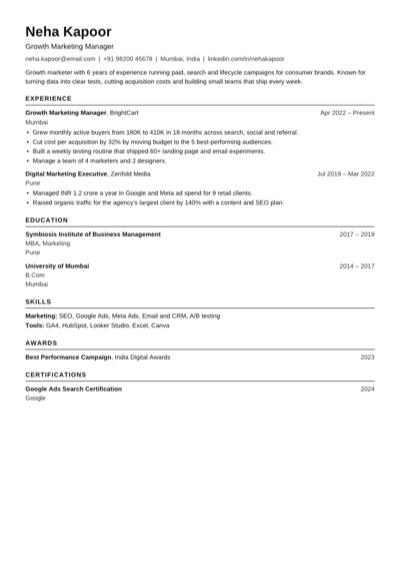
ExperiencedGrowth marketer with 6 years in paid, search and lifecycle campaigns for consumer brands. Cut acquisition costs by a third at BrightCart.

How long should a resume be?

One page for students, freshers and most people with under 5 years of experience. Two pages is fine with more experience. If you run a few lines over, the preview offers Fit on 1 page, which tightens spacing and text size for you.

Resume or CV?

In the US and Canada a resume is a 1–2 page summary and a CV is a longer academic record. In India, the UK and much of Europe and Asia the two words usually mean the same thing. For a long academic CV, use the Academic template and add Publications as a section.

Make it ATS-friendly

Most companies screen resumes with an applicant tracking system before a person reads them.

  • One column, standard headings (Experience, Education, Skills) and no tables, text boxes or images.
  • Use the exact skill names and job title from the posting.
  • Send a PDF with real text - not a photo or a scan. The PDF from here is text, so it can be searched.
  • Name the file with your name, like Priya-Sharma-Resume.pdf.

Use cases

Who it's for

Freshers and students applying for a first job or internshipExperienced professionals updating a resumeCareer changers re-ordering sections around skillsSoftware engineers and developersTeachers and researchers who need a CVAnyone tailoring a resume for one job posting

FAQ

Resume maker questions

Is this resume maker really free?

Yes. All 12 templates, the PDF download and the checks are free, with no watermark, no trial and no account. There is no paid version.

Do I need to sign up?

No. Open the editor and start typing. Your resume saves as you go, in your own browser.

Is my resume uploaded or stored anywhere?

No. It's kept in your browser's local storage and the PDF is made on your device. Clearing your browser data removes it, so save a backup (.json) if you want to keep a copy.

Are the templates ATS-friendly?

Yes. Every template is a single column of real text with standard section headings, and the PDF keeps that text selectable, so applicant tracking systems can read your name, dates and skills.

How do I download my resume as a PDF?

Go to the last step and press Download PDF. It works on phones too. You can also press Print and choose Save as PDF, which supports every script, including Hindi and other Indian languages.

Can I make a resume on my phone?

Yes, on Android and iPhone. Fill in the steps, tap Preview to see the pages, and download the PDF straight to your phone.

Can I edit my resume later?

Yes. In the same browser it's waiting when you come back. To edit on another device, save a backup (.json) from the menu and open it there.

Which resume format is best?

Reverse-chronological - most recent first - is what recruiters expect and what every template uses. Freshers can move Education above Experience with Arrange.

How long should my resume be?

One page if you're a student, a fresher or have under 5 years of experience; two pages at most otherwise. The preview shows page breaks and can fit a slightly long resume on one page.

Can I make several versions for different jobs?

Yes. Save a backup of each version, then open the one you want to change. Tailoring the summary and skills to each posting gets more interviews.

Resume makers for every situation

Related useSignal tools