
Every template is single-column and ATS-friendly, so design never costs you the interview.
Resume Maker
Free Resume Templates
Twelve free resume templates - modern, classic, minimal, professional and more - that you fill in online and download as a PDF. Switch templates any time without retyping.
Template: Modern · swipe for all 12
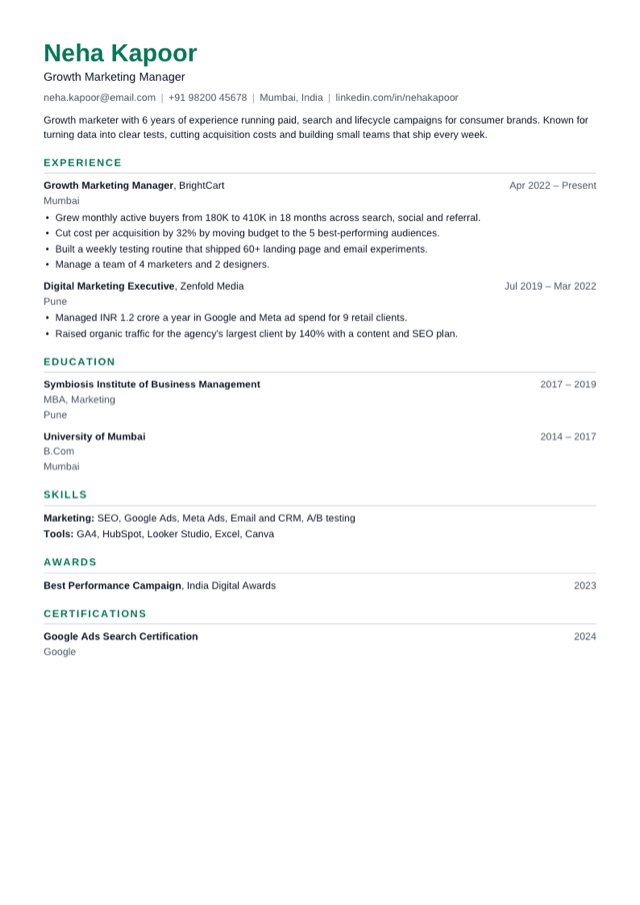
12 templates · pick one
Templates
All 12 templates
Every template is free and single-column, so applicant tracking systems read it. Pick one to start - you can switch at any time without retyping.
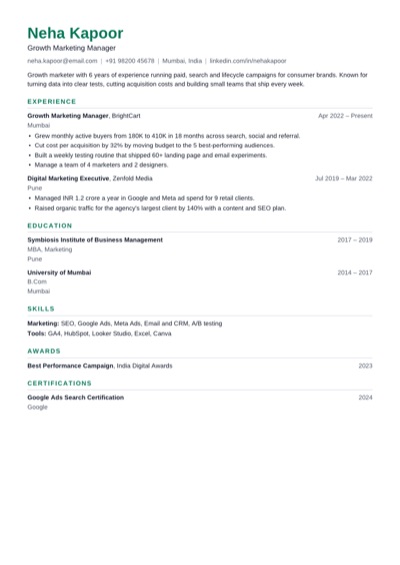 ModernUse Clean and balanced, with a green accent. Fits most jobs.
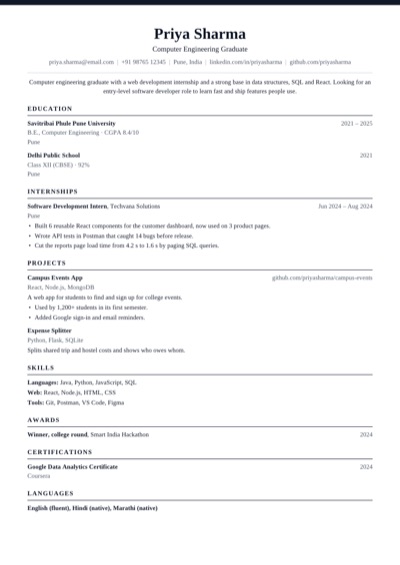 ClassicUse Traditional serif with a centred header.
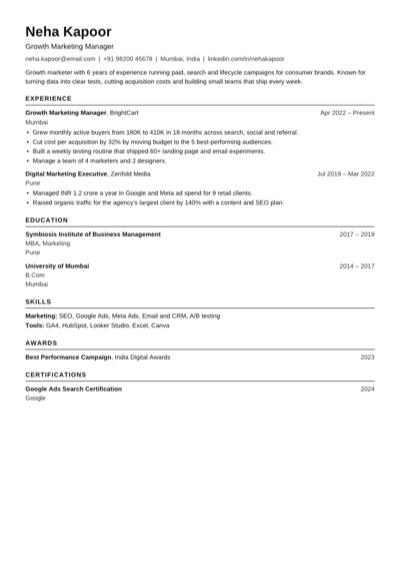 ATS PlainUse Plain black text that every applicant tracking system reads.
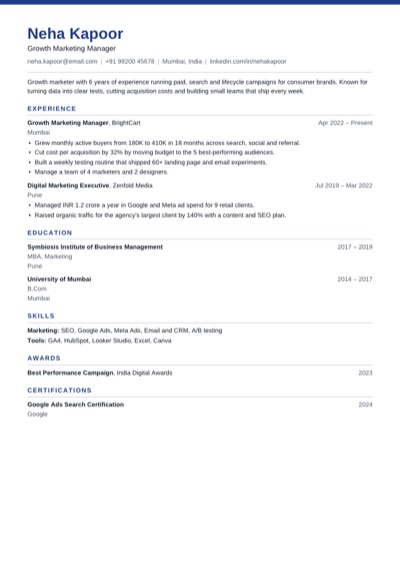 ProfessionalUse Navy band and crisp rules for business roles.
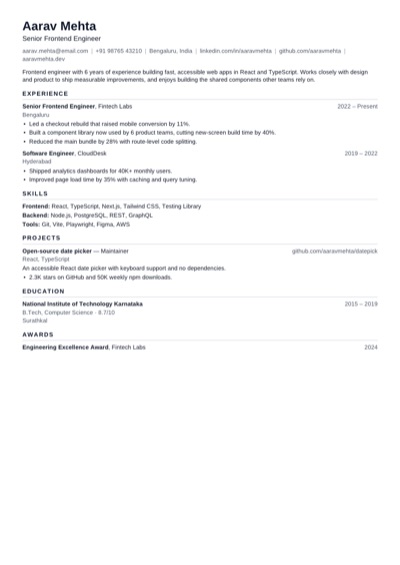 CompactUse Tighter spacing to fit more on one page.
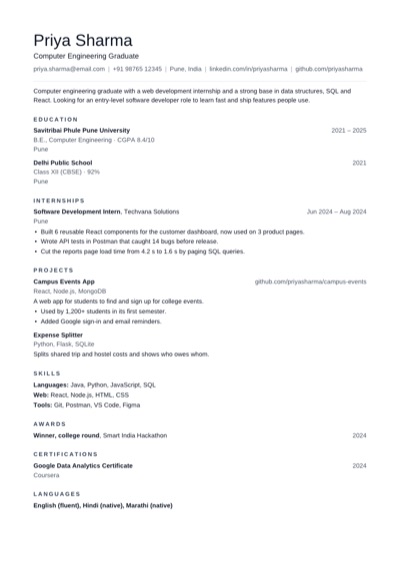 MinimalUse Lots of white space and quiet headings.
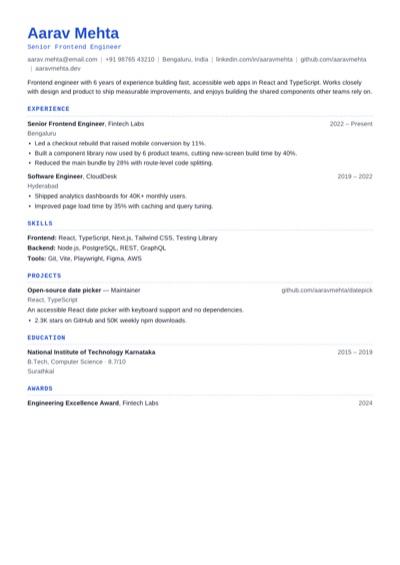 TechnicalUse Monospace headings for engineering roles.
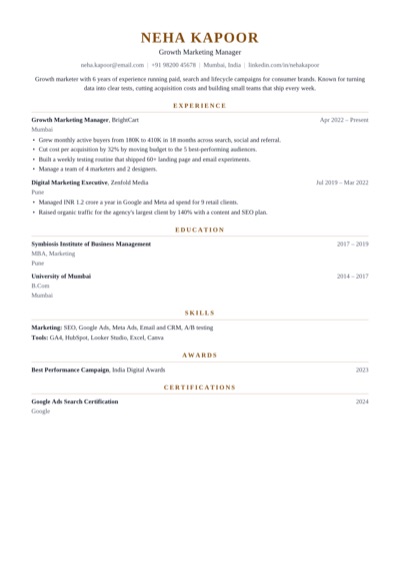 ExecutiveUse Centred serif with a gold accent for senior roles.
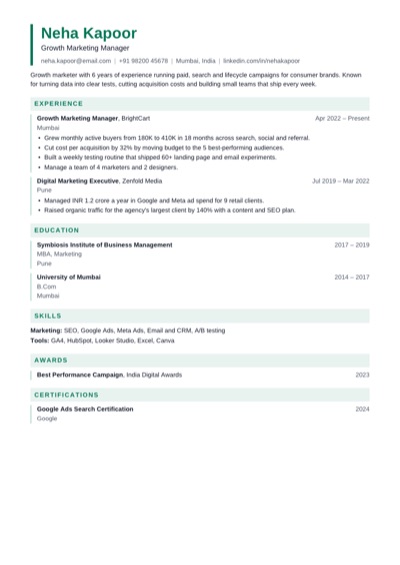 EditorialUse Tinted section bands and an accent bar.
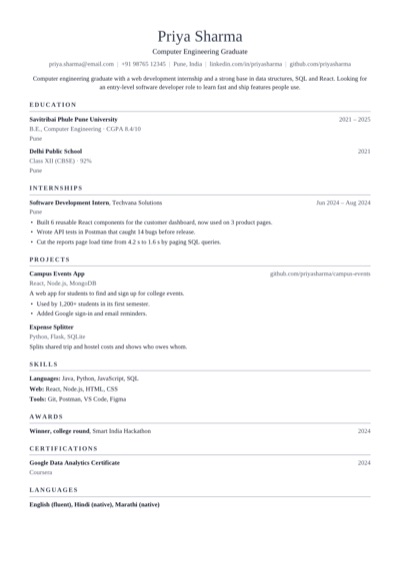 AcademicUse Serif layout for research and teaching CVs.
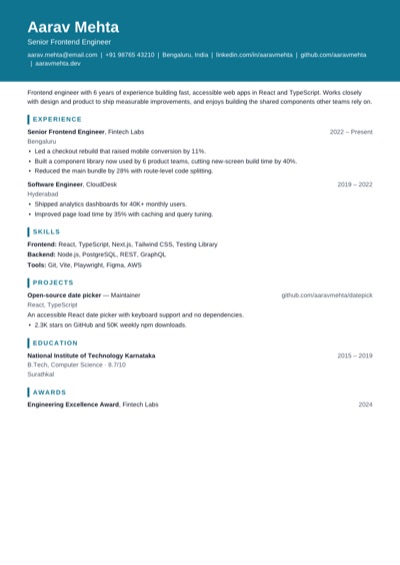 PortfolioUse Bold name block for design and product roles.
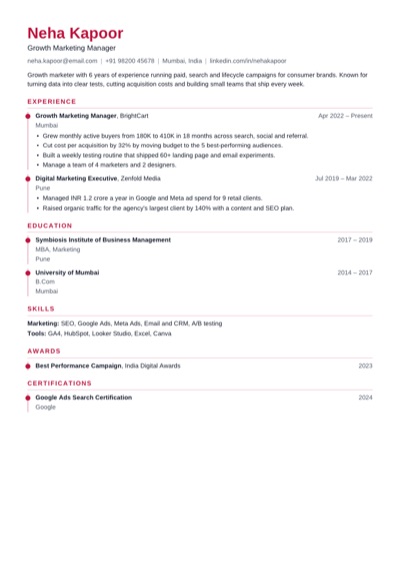 TimelineUse A dotted rule that walks through your career.
Why it helps
Why use these templates
Change the accent colour, font, text size and spacing to make it yours.
Your content moves between templates instantly - try them all on your own resume.
How to use it
How to use a resume template
1 Pick a template below or in the editor's first step.
2 Fill in your details; the preview shows them in the template as you type.
3 Try a few templates and colours, then download the PDF.
Quick tips
Choosing a template
Banking, law and government: Classic or Executive.
Tech and engineering: Technical, Modern or Compact.
Design, product and marketing: Portfolio, Editorial or Timeline.
Research and teaching: Academic.
When in doubt, or for strict portals: ATS Plain.
FAQ
Resume template questions
Are these resume templates free?
Yes. All 12 templates and the PDF download are free, with no watermark and no sign-up.
Can I change the colour or font?
Yes. Pick an accent colour, a sans or serif font, three text sizes and three spacing options for any template.
Can I download a template as Word?
Not yet. You fill the template in online and download a PDF, which is what most job portals and recruiters prefer.
Which resume template is best?
The one that's easy to read for your industry. Single-column templates like these are the safest, because applicant tracking systems read them correctly.
Open the main Resume Maker page
This page focuses on one search intent. The main tool page includes the broader product overview, related workflows, and full use cases.