
Single-column layouts with standard section headings that parsers recognise.
Resume Maker
ATS-Friendly Resume Builder
Build a resume that applicant tracking systems read correctly: one column, standard headings, no tables or images, and a PDF with real, searchable text.
Template: ATS Plain · swipe for all 12
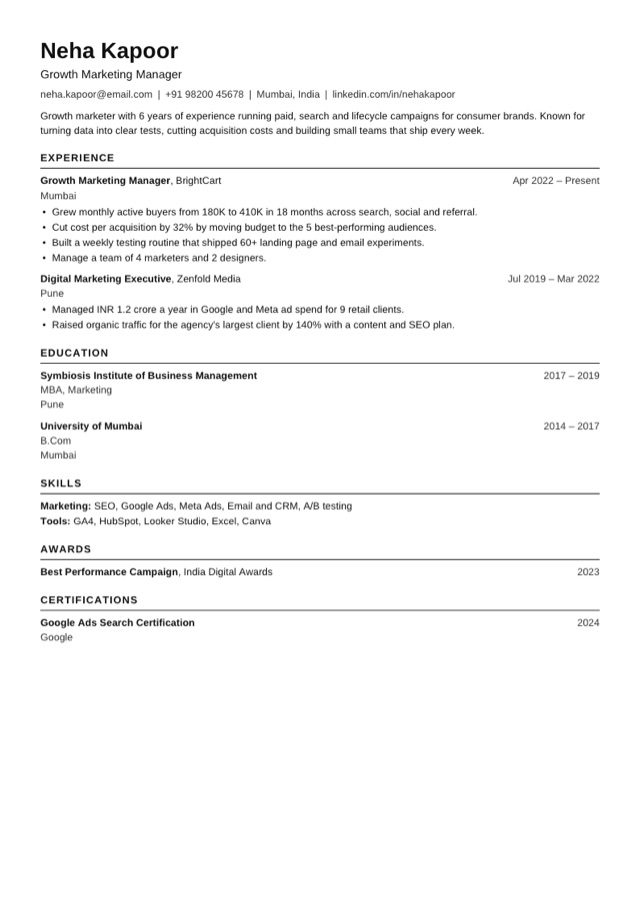
12 templates · pick one
Templates
Pick a resume template
Every template is free and single-column, so applicant tracking systems read it. Pick one to start - you can switch at any time without retyping.
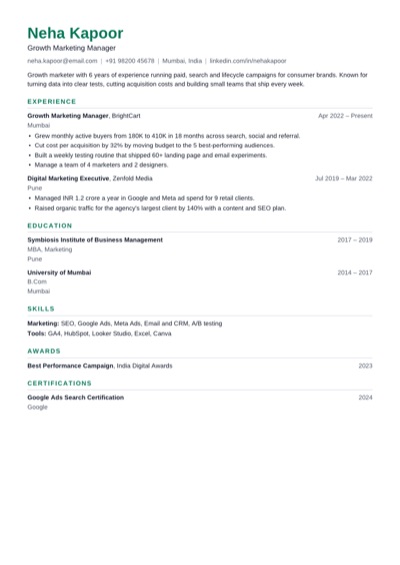 ModernUse Clean and balanced, with a green accent. Fits most jobs.
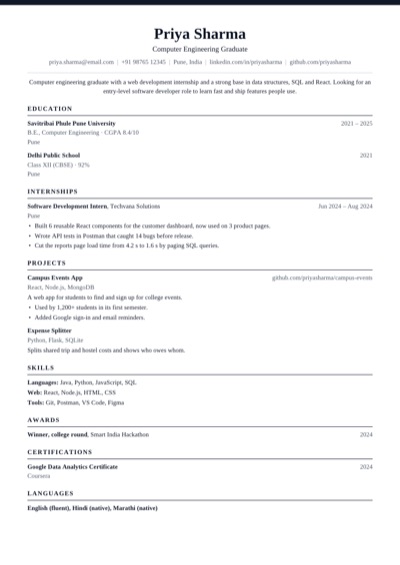 ClassicUse Traditional serif with a centred header.
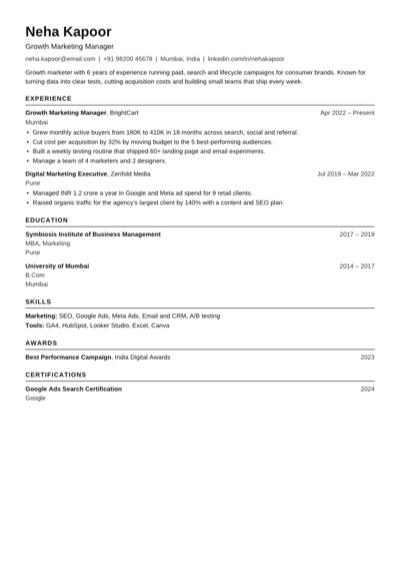 ATS PlainUse Plain black text that every applicant tracking system reads.
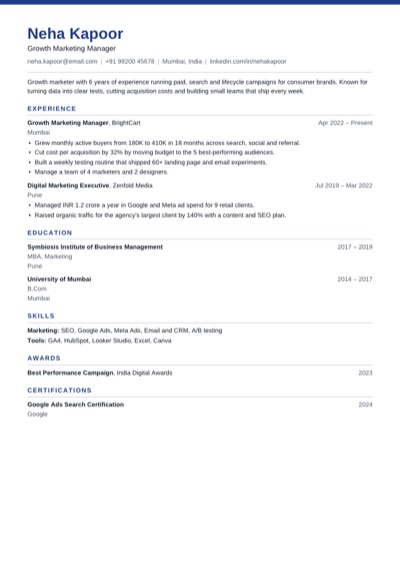 ProfessionalUse Navy band and crisp rules for business roles.
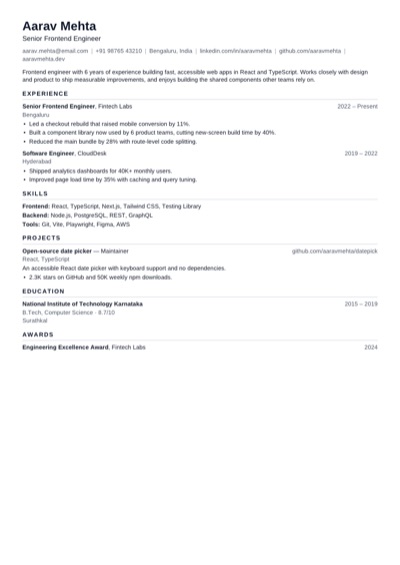 CompactUse Tighter spacing to fit more on one page.
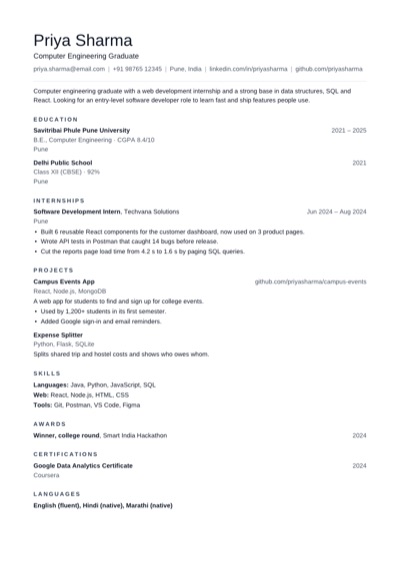 MinimalUse Lots of white space and quiet headings.
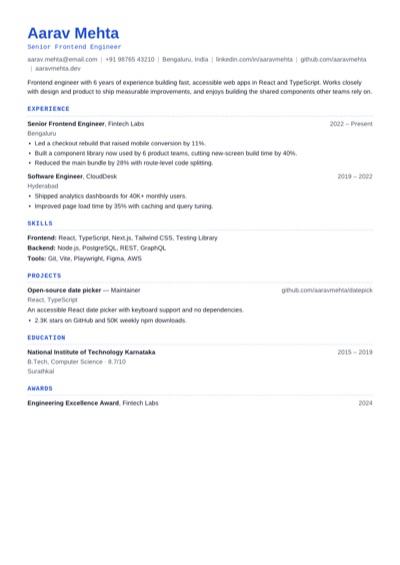 TechnicalUse Monospace headings for engineering roles.
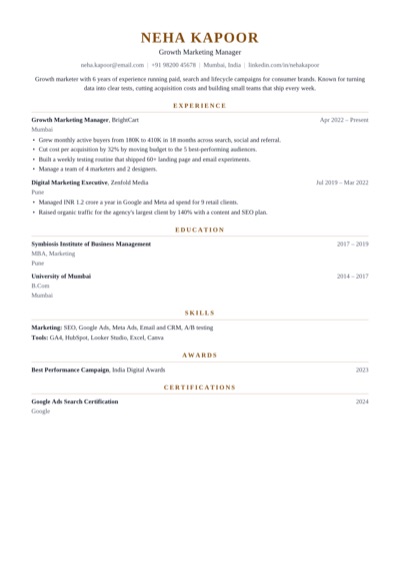 ExecutiveUse Centred serif with a gold accent for senior roles.
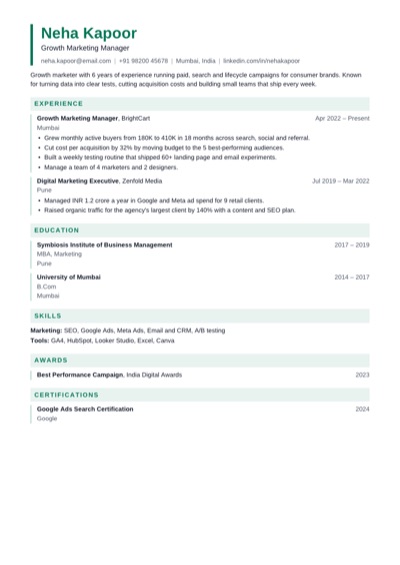 EditorialUse Tinted section bands and an accent bar.
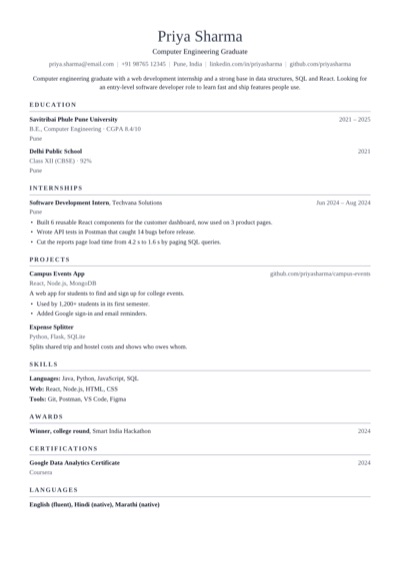 AcademicUse Serif layout for research and teaching CVs.
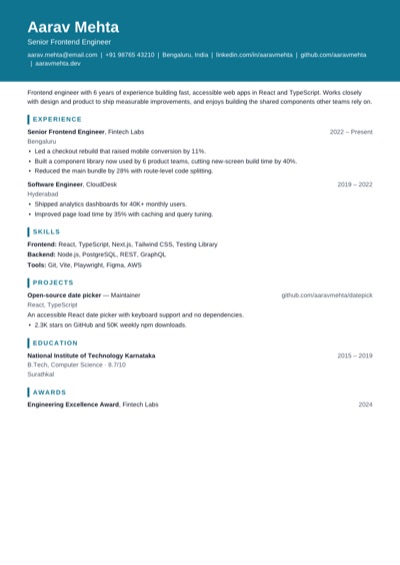 PortfolioUse Bold name block for design and product roles.
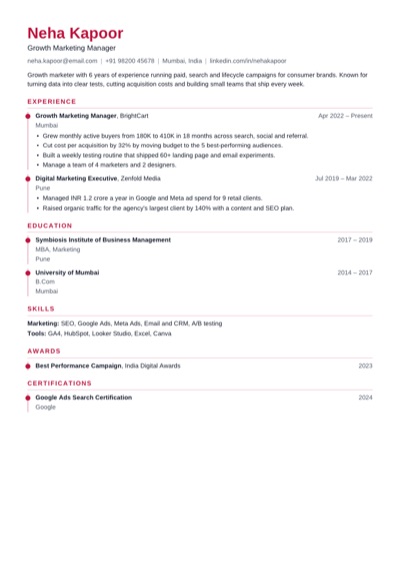 TimelineUse A dotted rule that walks through your career.
Why it helps
What makes it ATS-friendly
No tables, text boxes, icons or photos that scramble when a parser reads them.
A PDF with selectable text, so your name, dates and skills can be searched.
How to use it
How to build an ATS resume
1 Start with the ATS Plain template, or any other - all of them are single-column.
2 Copy the job title and key skills from the posting into your summary and Skills section.
3 Run the checks, fix what they flag, and download the PDF.
Quick tips
ATS resume tips
Use standard headings: Experience, Education, Skills.
Write dates the same way everywhere, like Jun 2022 – Mar 2024.
Spell out a term once with its abbreviation: Search Engine Optimisation (SEO).
Don't hide keywords in white text - recruiters see the parsed text.
Upload a PDF unless the portal asks for Word.
FAQ
ATS resume questions
What is an ATS-friendly resume?
One that applicant tracking systems can parse correctly: a single column of real text, standard headings, and no tables, images or text boxes.
Can an ATS read a PDF?
Yes, when the PDF has real text. A scanned page or a resume saved as a picture can't be read. The PDF from this builder is text, so it's searchable.
How do I find keywords for my resume?
Read the job posting and note the job title, tools and skills it repeats. Use the same words in your summary, skills and bullet points - where they're true.
Is a two-column resume bad for ATS?
Often, yes. Some systems read across both columns and mix up the text. That's why every template here is a single column.
Open the main Resume Maker page
This page focuses on one search intent. The main tool page includes the broader product overview, related workflows, and full use cases.