
Professional templates with clean, single-column layouts that recruiters and screening software read easily.
Resume Maker
Free CV Maker
Make a clear, professional CV online in minutes. Choose a template, fill in guided sections and download your CV as a free PDF - no account and no watermark.
Template: Professional · swipe for all 12
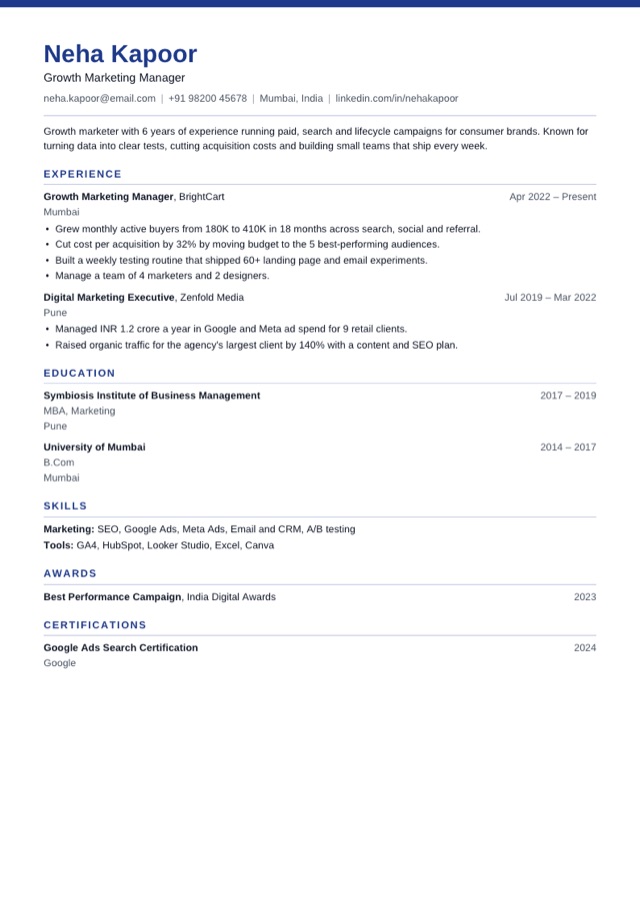
12 templates · pick one
Templates
Pick a resume template
Every template is free and single-column, so applicant tracking systems read it. Pick one to start - you can switch at any time without retyping.
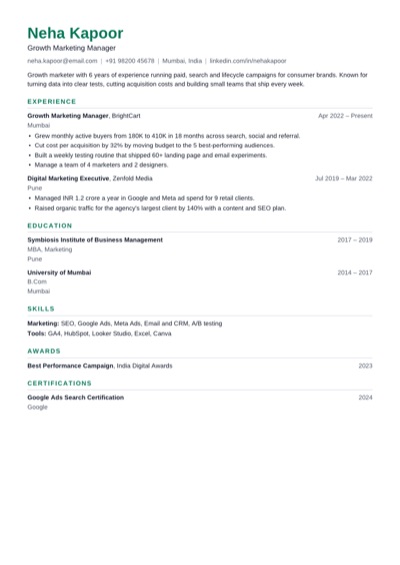 ModernUse Clean and balanced, with a green accent. Fits most jobs.
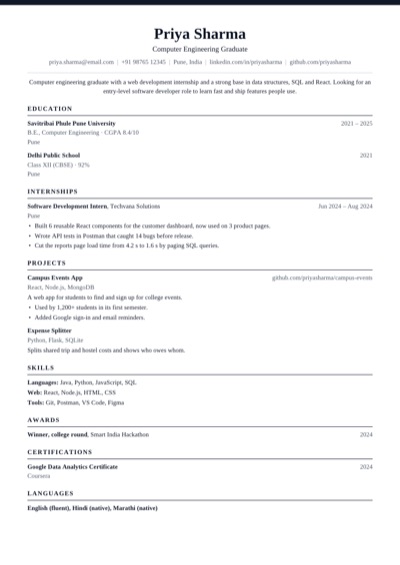 ClassicUse Traditional serif with a centred header.
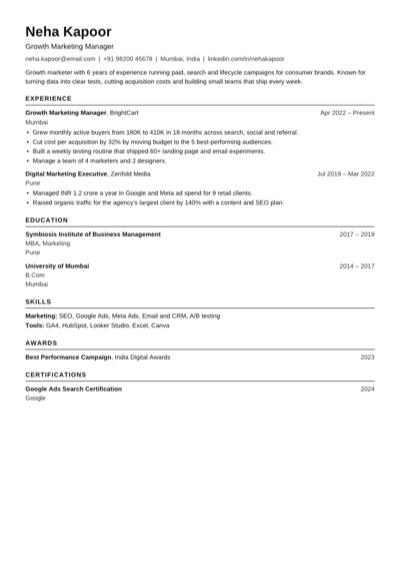 ATS PlainUse Plain black text that every applicant tracking system reads.
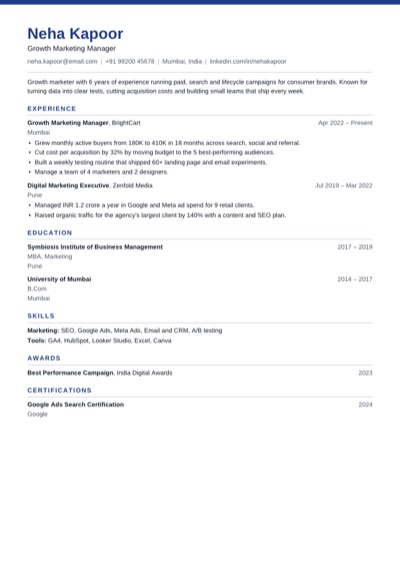 ProfessionalUse Navy band and crisp rules for business roles.
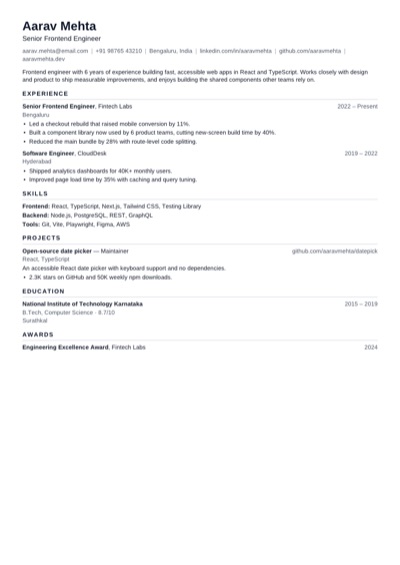 CompactUse Tighter spacing to fit more on one page.
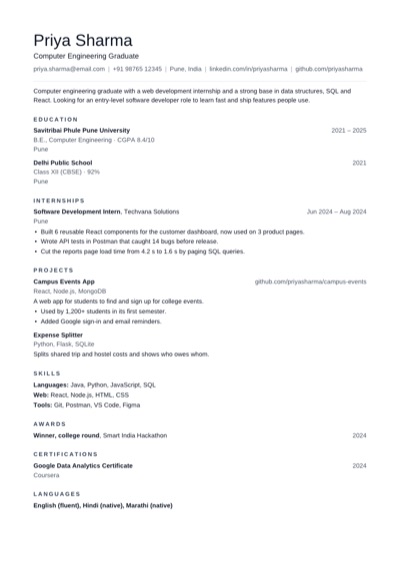 MinimalUse Lots of white space and quiet headings.
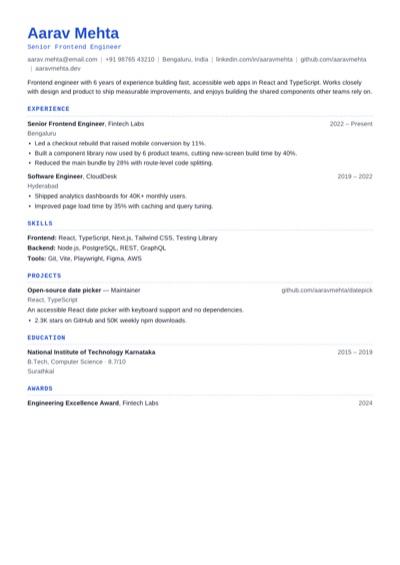 TechnicalUse Monospace headings for engineering roles.
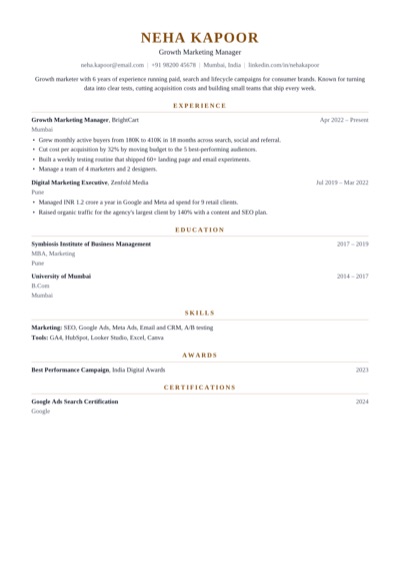 ExecutiveUse Centred serif with a gold accent for senior roles.
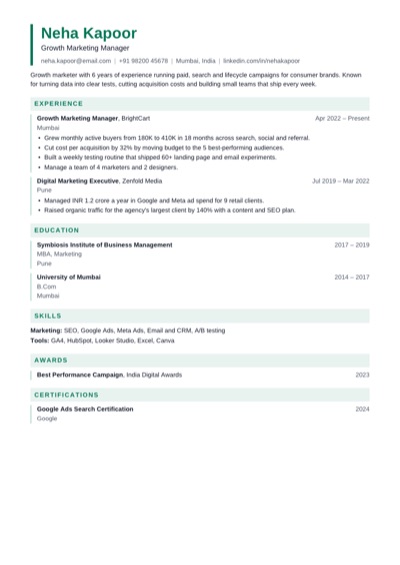 EditorialUse Tinted section bands and an accent bar.
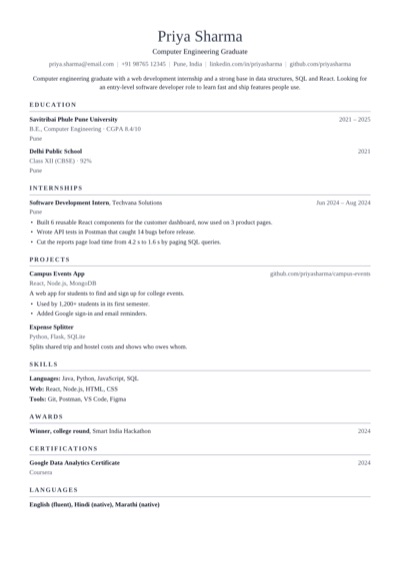 AcademicUse Serif layout for research and teaching CVs.
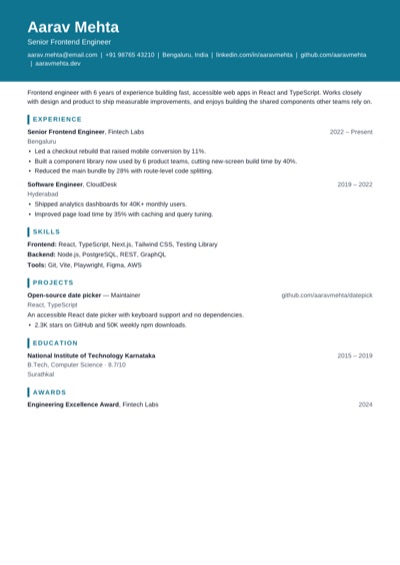 PortfolioUse Bold name block for design and product roles.
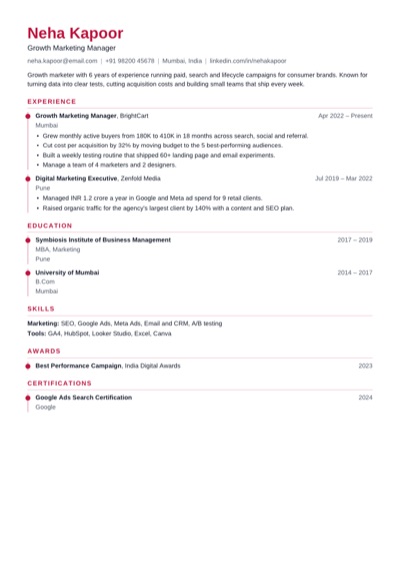 TimelineUse A dotted rule that walks through your career.
Why it helps
Why make your CV here
A live A4 preview, so you can see page breaks before you download.
Free PDF download with no watermark and no account.
How to use it
How to make a CV
1 Pick a template - Professional, Classic and Academic suit most CVs.
2 Add your details, experience, education and skills, plus sections like Certifications or Languages.
3 Check the suggestions, then download your CV as a PDF.
Quick tips
CV tips
Put your most recent role first and keep each bullet to one or two lines.
Add a short profile at the top that names the role you want.
Use the job advert's own words for skills and job titles.
For academic CVs, add Publications, Conferences or Teaching as custom sections.
Save the file as YourName-CV.pdf so it's easy to find.
FAQ
CV maker questions
What's the difference between a CV and a resume?
In the US a CV is a long academic record and a resume is a 1–2 page summary. In India, the UK, Europe and most of Asia the words are used for the same thing: a 1–2 page summary of your experience.
Is the CV maker free?
Yes. Every template and the PDF download are free, with no watermark and no sign-up.
Can I rename sections, like Experience to Work History?
Yes. Use Arrange to rename, reorder or hide any section.
How long should a CV be?
One to two pages for most jobs. Academic CVs can be longer - the Academic template keeps long lists readable.
Open the main Resume Maker page
This page focuses on one search intent. The main tool page includes the broader product overview, related workflows, and full use cases.