
Recruiters skim. One page puts your best work where it's seen.
Resume Maker
One-Page Resume Maker
Keep your resume to one page. The live preview shows exactly where the page ends, and Fit on 1 page tightens spacing and text size when you're just over.
Template: Compact · swipe for all 12
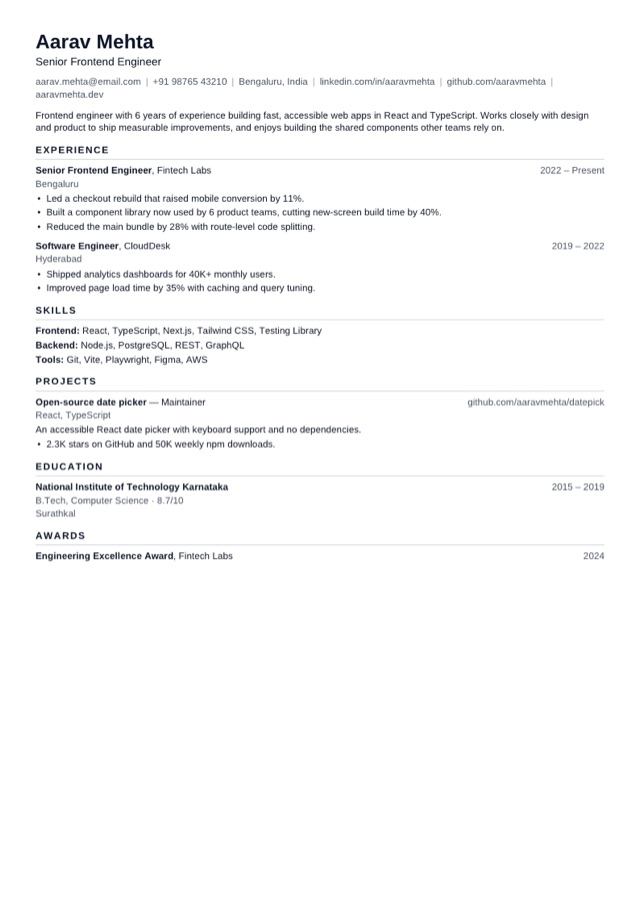
12 templates · pick one
Templates
Pick a resume template
Every template is free and single-column, so applicant tracking systems read it. Pick one to start - you can switch at any time without retyping.
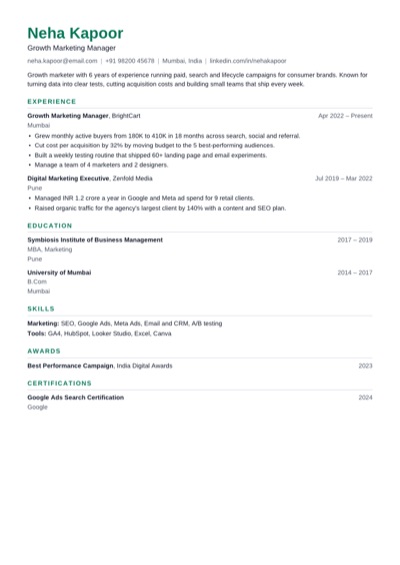 ModernUse Clean and balanced, with a green accent. Fits most jobs.
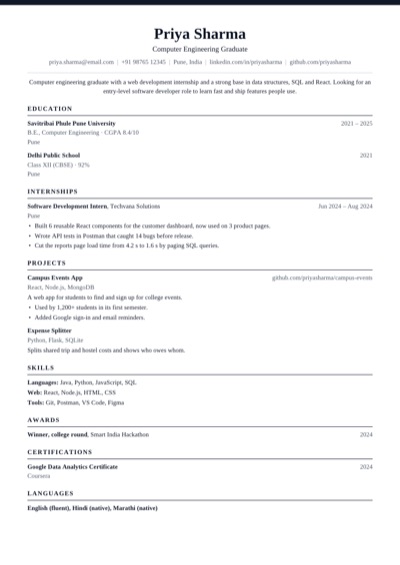 ClassicUse Traditional serif with a centred header.
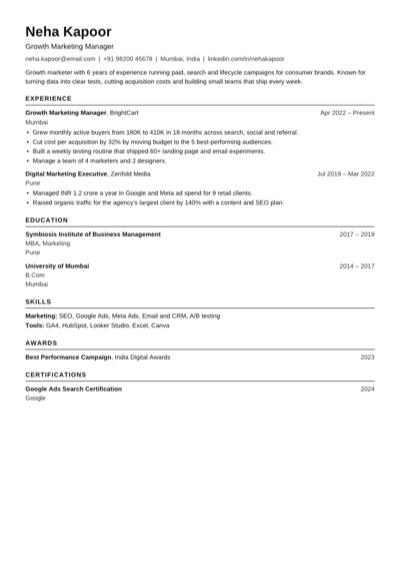 ATS PlainUse Plain black text that every applicant tracking system reads.
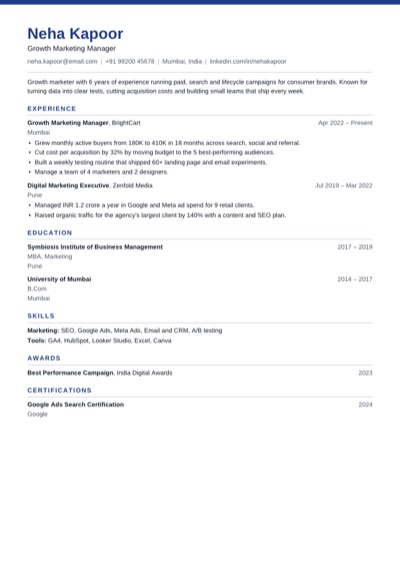 ProfessionalUse Navy band and crisp rules for business roles.
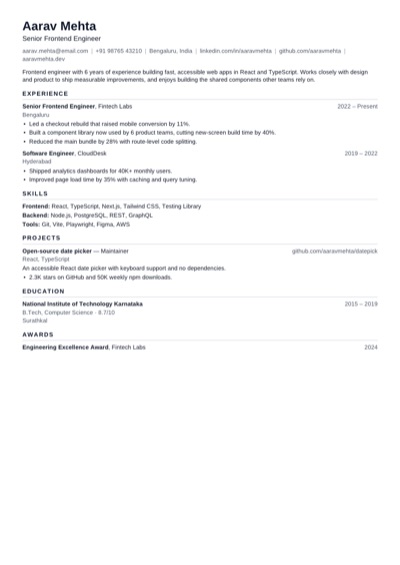 CompactUse Tighter spacing to fit more on one page.
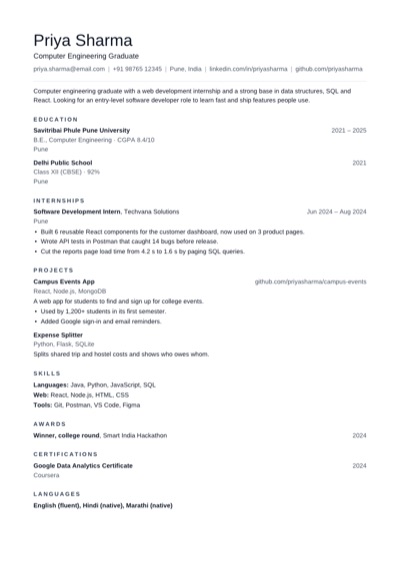 MinimalUse Lots of white space and quiet headings.
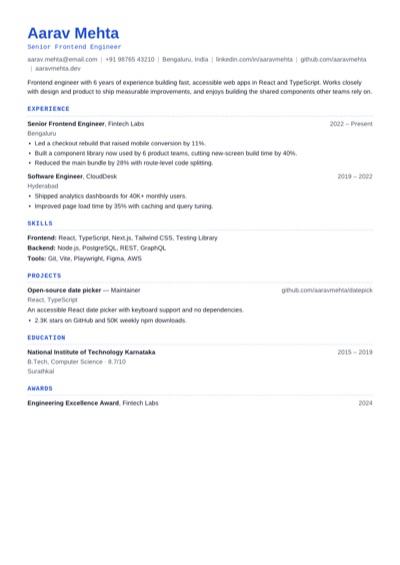 TechnicalUse Monospace headings for engineering roles.
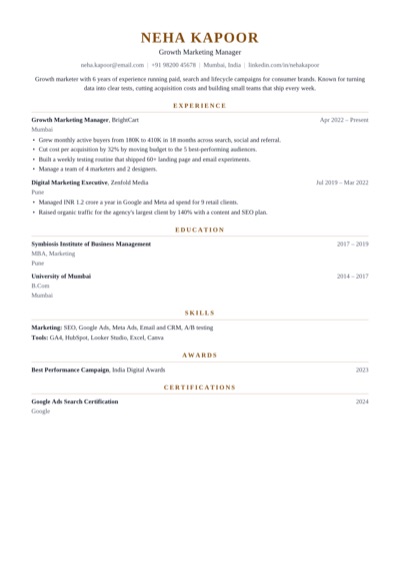 ExecutiveUse Centred serif with a gold accent for senior roles.
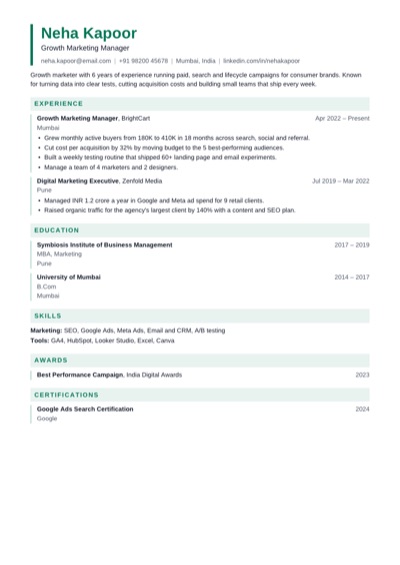 EditorialUse Tinted section bands and an accent bar.
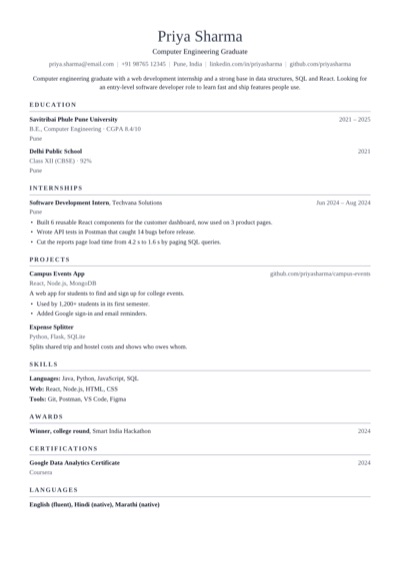 AcademicUse Serif layout for research and teaching CVs.
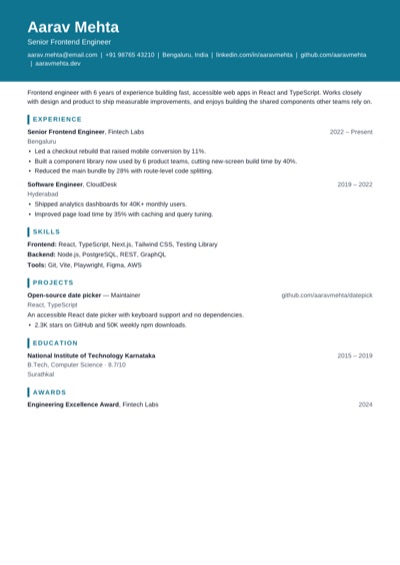 PortfolioUse Bold name block for design and product roles.
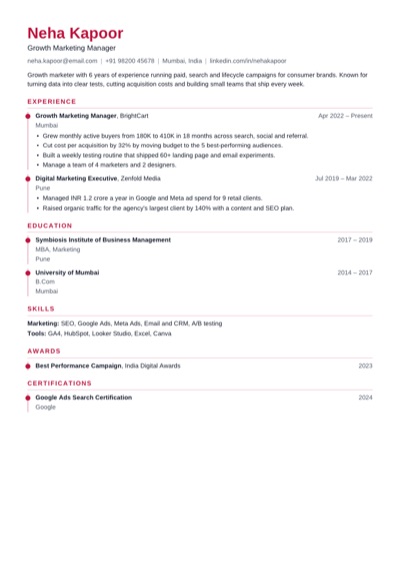 TimelineUse A dotted rule that walks through your career.
Why it helps
Why one page
Fit on 1 page finds the smallest change that works: tighter spacing first, then smaller text.
Compact and Minimal templates are made to hold more on a page without looking crowded.
How to use it
How to fit a resume on one page
1 Write everything, then watch the page count in the preview.
2 If you're just over, press Fit on 1 page. If you're well over, cut older or less relevant bullets.
3 Download the one-page PDF.
Quick tips
One-page resume tips
Keep 2–4 bullets for recent jobs and one line for older ones.
Cut a summary that repeats your experience.
Merge small skill groups into one line each.
Drop school results once you have a degree and work experience.
Hide sections you don't need for this job rather than deleting them.
FAQ
One-page resume questions
Should my resume be one page?
Yes if you're a student, a fresher or have under 5 years of experience. With more experience, two pages is fine if every line earns its place.
How does Fit on 1 page work?
When your resume runs onto a second page, it tries tighter spacing, then smaller text, then both, and applies the first that fits. Undo puts it back.
What should I cut to fit one page?
Old or unrelated jobs, bullets that describe duties instead of results, a long summary, and school marks once you have a degree.
Open the main Resume Maker page
This page focuses on one search intent. The main tool page includes the broader product overview, related workflows, and full use cases.